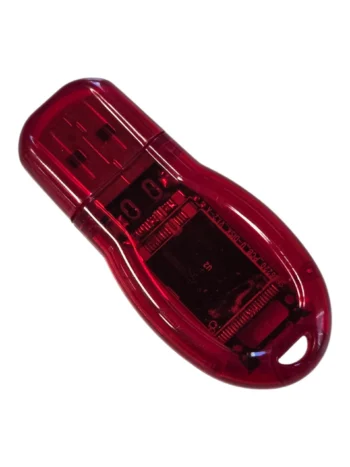
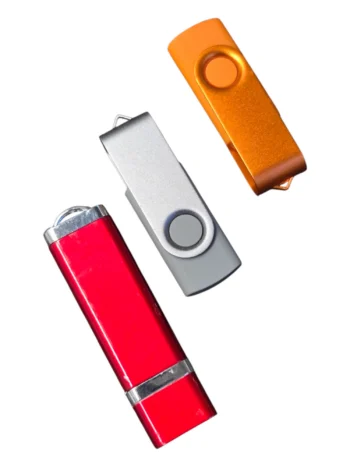
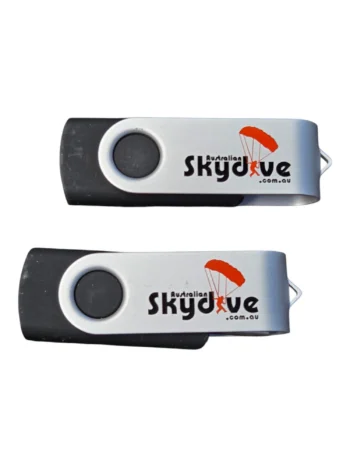
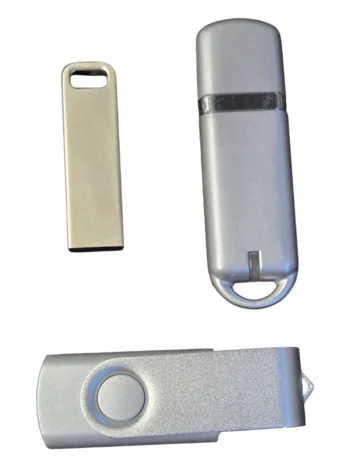
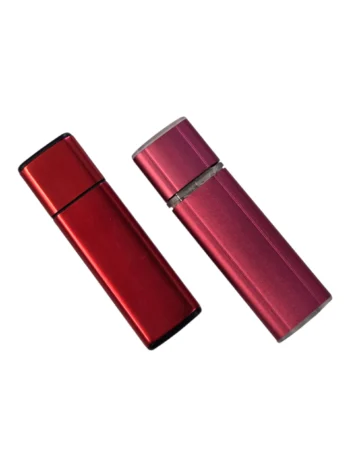
USB data preloading enables suppliers to load brochures, videos, and documents onto branded drives prior to distribution.
File limits depend on storage capacity and format. FAT32 restricts single files to 4GB, while exFAT allows larger files.
To avoid delays and compatibility issues, finalise content early, use simple folder structures, and ensure security settings suit both sender and recipient.
USB data preloading lets you deliver files directly on branded USB drives before distribution. It saves recipients time and ensures your content is presented exactly as intended. But before availing this service, you need to consider the file size limits, possible security issues, and device compatibility. If you’re ordering USB drives for conferences, tenders, onboarding kits, or client packs across Australia, here’s what matters.
What Is USB Data Preloading?
USB data preloading means your supplier uploads specific files onto each drive during production. Instead of sending a blank USB drive, recipients receive one that already contains:
Product catalogues
Company profiles
Training manuals
Presentation decks
Tender documents
Video content
At Cubic Promote, preloading means your branded USBs don’t just look good but also arrive ready with your content already loaded for your recipients. We can also help brands connect with growing eco‑conscious audiences with our eco-friendly USB memory.
File Size Limits
File limits depend on two main factors:
The USB drive’s storage capacity
The file system format
Storage Capacity
Common USB capacities include:
Capacity
Typical Use Case
2GB
Basic documents and PDFs
4GB
Brochures, presentations
8GB
Larger media files
16GB+
Video-heavy content
File System Format
The USB file system affects compatibility and maximum file size.
File System
Max Single File Size
Compatible With
FAT32
4GB
Windows, Mac
exFAT
Large files (over 4GB)
Modern Windows & Mac
NTFS
Very large files
Windows (limited Mac write support)
File Types and Structure
There’s no hard limit on how many files you can include, but keeping things clear and organised makes a big difference for the people using your USBs.
Best practice for preloading:
Organise content into clearly labelled folders
Use simple file names (no special characters)
Avoid excessively deep folder structures.
For example:
Company_Profile/
Product_Catalogue/
Videos/
Training_Documents/
This reduces confusion for recipients and prevents compatibility errors.
However, if delays happen due to last‑minute file changes or approvals, we can offer flexible shipping and turnaround solutions, including an express 24‑hour service for urgent branding jobs.
Security Considerations
Security is a major concern with USB drives. From our experience preloading thousands of USBs for organisations across Australia, there are two angles you need to think about:
Protecting your data
Protecting the recipient’s system
Protecting Your Data
If you’re distributing sensitive information such as:
Financial reports
Legal documents
Internal strategy
Contract drafts
Consider:
Password-protected files
Encrypted ZIP folders
Secure PDF permissions
Some USB drives can also be configured with built-in password protection, but that depends on the product selected.
Protecting Recipients
Recipients may hesitate to plug in unknown USB drives due to the risk of malware.
To build trust:
Use reputable suppliers
Ensure drives are factory new.
Confirm clean data loading processes.
Avoid executable (.exe) auto-run files.
Most organisations now turn off auto-run features for security reasons, so it’s safer to rely on clearly labelled folders rather than any auto-launch software.
Updating Content Before Production
One common delay we experience when a client avails our pre-loading service is last-minute file changes. Delays occur when:
The final presentation isn’t approved.
Video edits are incomplete.
Legal documents change
Files are sent after production begins.
Most suppliers, including us, require final files before preloading starts. Once production is underway, any changes may require reloading or additional fees. To avoid these delays, we recommend that you:
Lock content before artwork approval.
Confirm final file versions.
Check file sizes in advance.
By doing this, we can keep your production on schedule and make sure your USBs arrive ready to use, exactly as planned. Our blog article What Happens After You Place an Order for Promotional Products with Cubic Promote explains how your files move from approval to production, so you’ll know exactly when to finalise them to avoid delays.
Data Verification and Testing
Before dispatch, suppliers typically test sample units to ensure files open correctly. However, it’s good practice to:
Request a preloaded sample if timelines allow.
Confirm file accessibility on both Windows and Mac.
Double-check folder naming.
Testing before dispatch takes only a few minutes, but it can save you from awkward technical issues after your event or campaign goes live.
Can Files Be Made Non-Editable?
Yes, but it depends on the file type. Options include:
Secured PDF settings
Password-protected documents
Read-only permissions
Keep in mind that locking files down too tightly can frustrate recipients, especially if passwords are misplaced or their IT settings block access. It’s usually best to find a balance between strong security and easy, everyday use.
Is There a File Quantity Limit?
There’s no strict number-of-files limit, but performance can be affected if:
Thousands of small files are loaded.
Complex folder systems are used.
Storage capacity is nearly full.
Keep your files in a simple, well-organised folder structure. This helps the USB load more smoothly and reduces the chance of any compatibility issues for your recipients.
What We Suggest
USB data preloading is a great way to deliver content directly to your clients or prospects. If you’re planning to order and have them loaded up with brochures and videos, make sure to use a universal file format and finalise the content before production. You can talk to our account managers or request a free quote today!
Charles Liu is the Founder and Marketing Director of Cubic Promote, an Australian supplier of promotional products, branded merchandise and corporate uniforms. With more than 20 years of industry experience, Charles helps Australian organisations plan, source and deliver branded products and apparel for marketing campaigns, workplaces, conferences, corporate gifting programs and major events.
His expertise covers product branding, global logistics, project management, marketing, leadership, product safety and B2B supply. He works at the point where marketing ideas must become practical products—within a defined budget, production deadline and quality requirement. Connect with Charles Liu on LinkedIn